Company & Content
Everything configured here is automatically injected into the assistant's system prompt — no need to write or edit any prompt by hand, just fill in these fields.
Profile
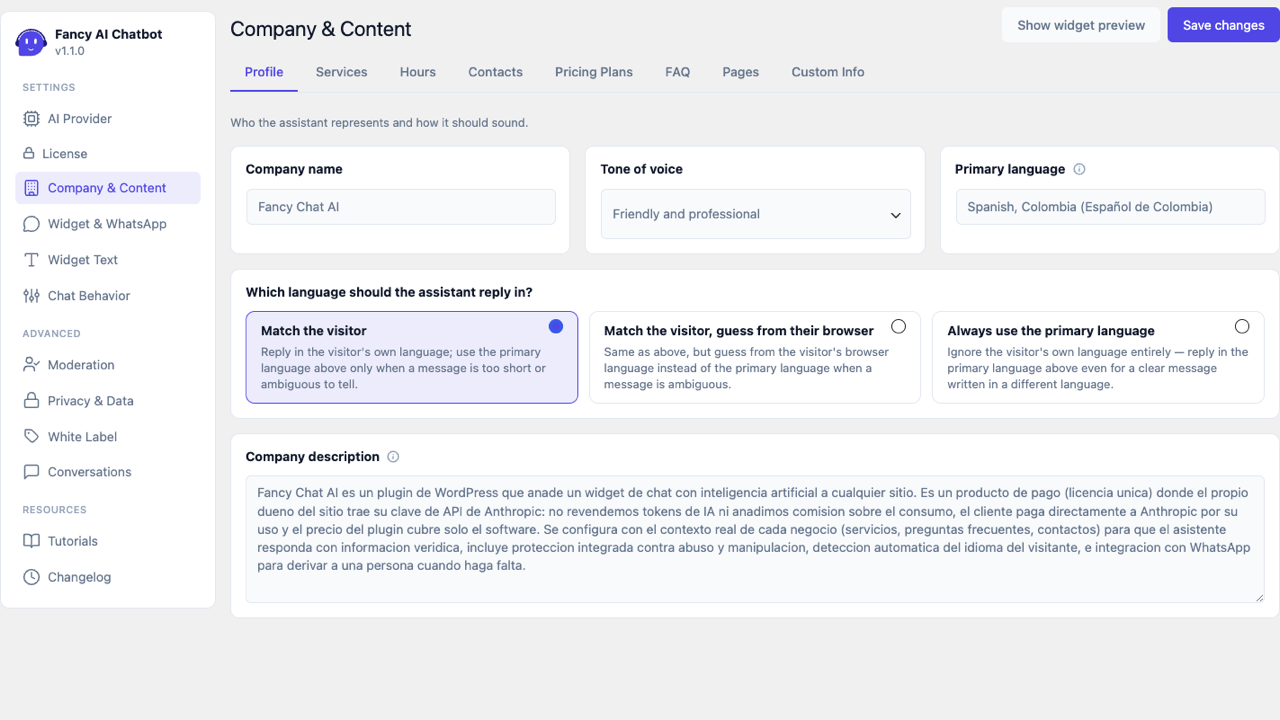
- Company name — your company's name.
- Company description — what it does, in a couple of sentences.
- Tone of voice — selector with four styles:
- Friendly and professional (default)
- Formal and precise
- Casual and conversational
- Warm and empathetic
- Primary language — a searchable picker covering common languages and regional variants (e.g. Spanish (Colombia) vs. Spanish (Spain)). Defaults to your site's own WordPress language. Used for the WhatsApp handoff summary (always written in this language, regardless of what language the conversation itself was in) and as a fallback for the setting below.
- Which language should the assistant reply in? — three options:
- Match the visitor (default) — replies in whichever language the visitor writes in; falls back to the primary language above only when a message is too short or ambiguous to tell (e.g. a one-word suggested-question chip).
- Match the visitor, guess from their browser — same, but falls back to the visitor's own browser language instead of the primary language when a message is ambiguous.
- Always use the primary language — ignores the visitor's own language entirely, replying in the primary language above even for a clear message written in a different language. Useful if your support team only handles one language.
Services
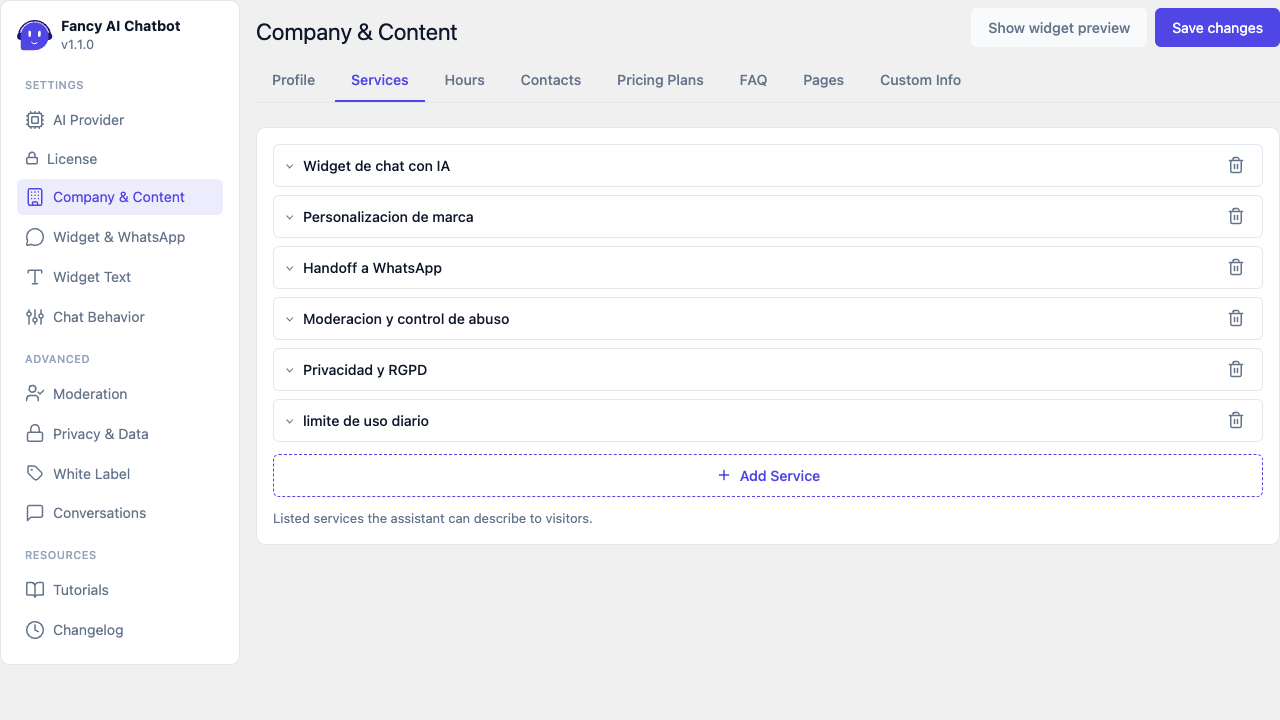
Repeater: name + description for each service the assistant can explain to visitors.
Pricing Plans
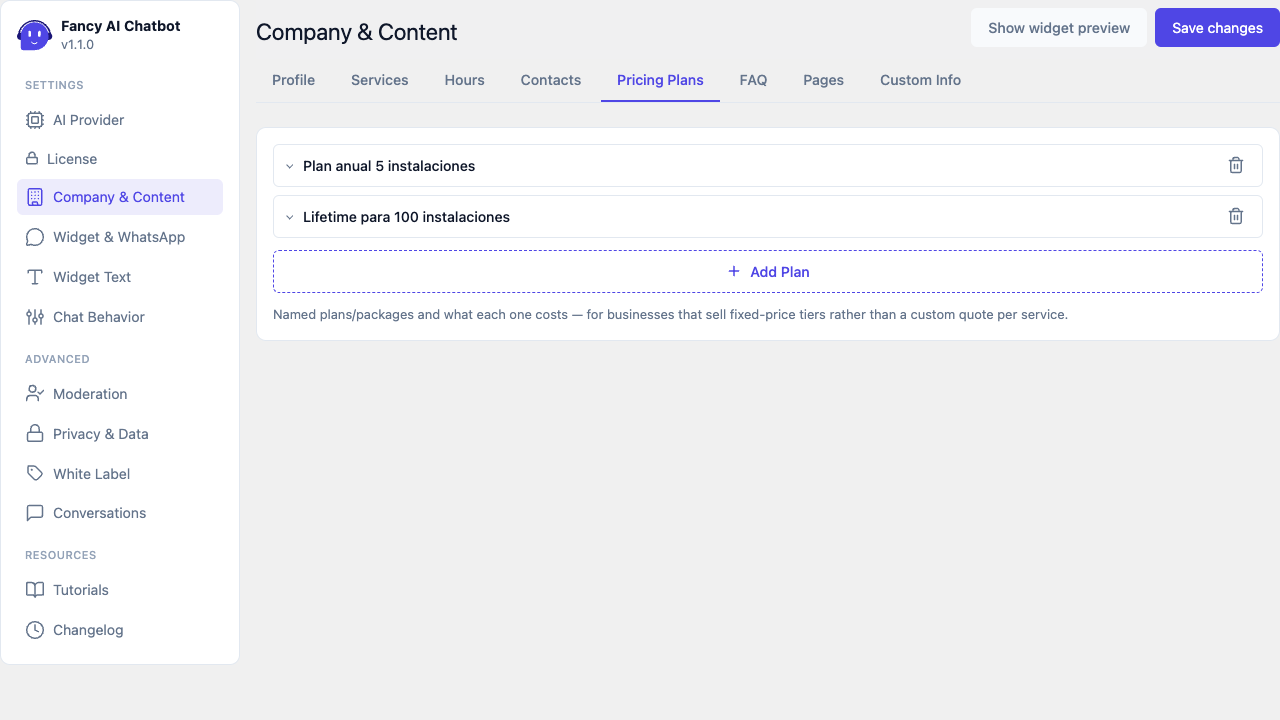
Repeater meant for businesses that sell fixed-price plans/packages (rather than a custom quote per service) — plan name + price/detail.
Business Hours
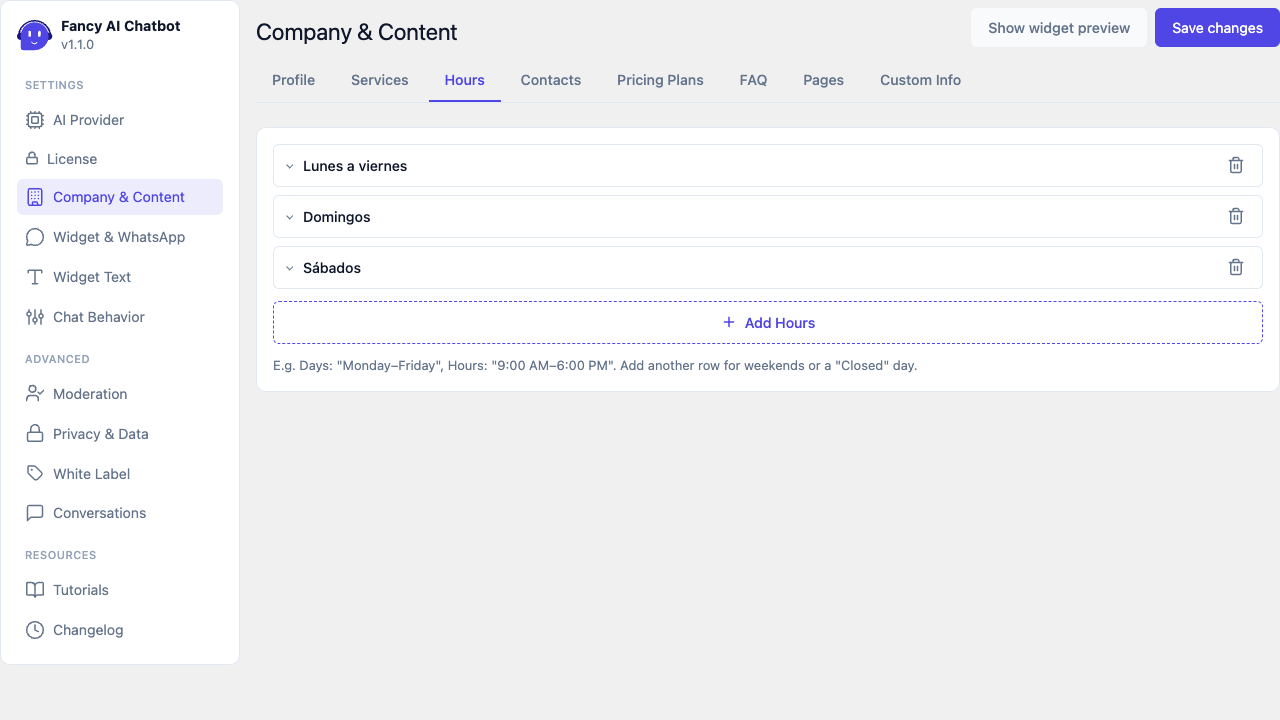
Repeater of days + schedule, for example: Days "Monday–Friday", Hours "9:00 AM–6:00 PM". Add an extra row for weekends or a "Closed" day.
Frequently Asked Questions
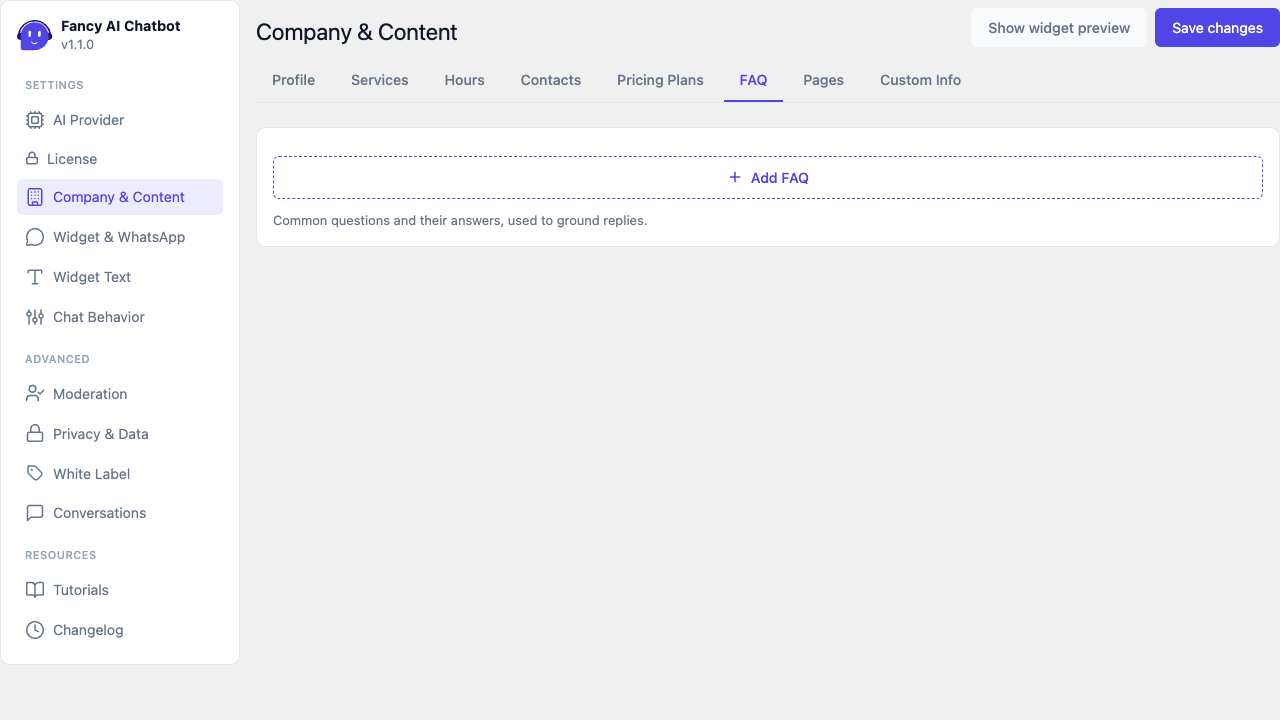
Question + answer repeater, used so the assistant replies with the exact wording you define instead of improvising.
Contacts
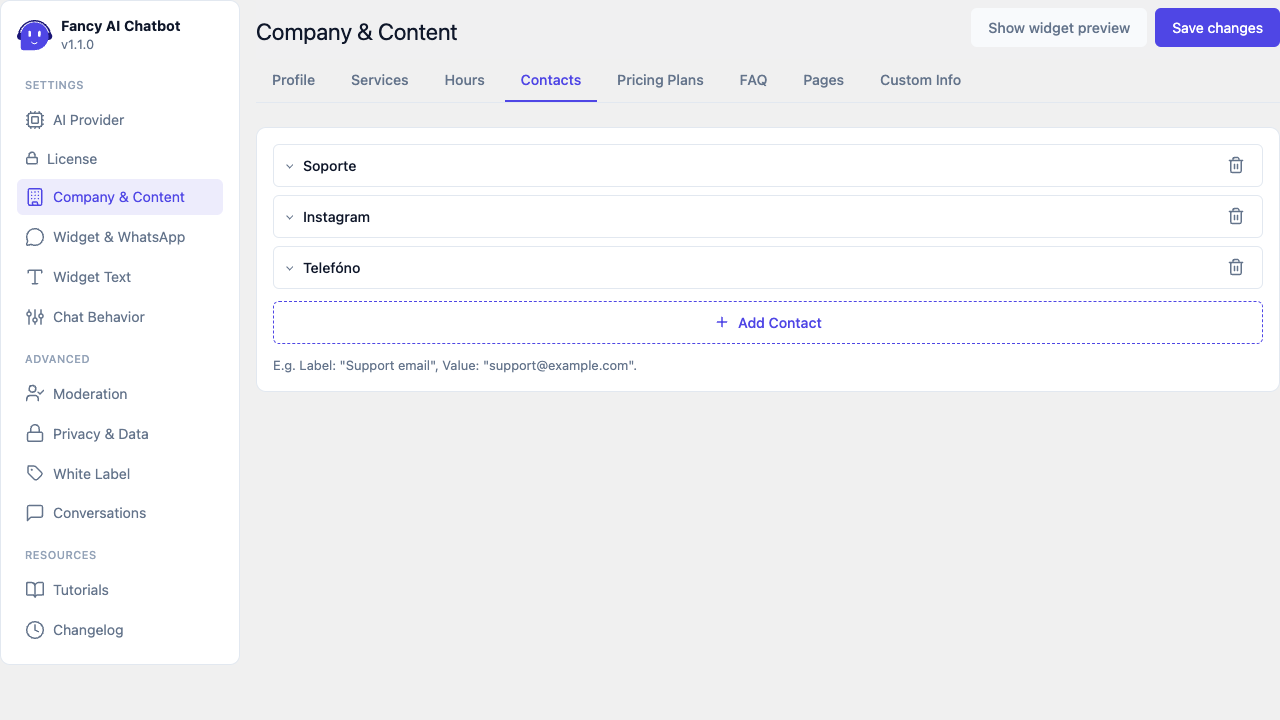
Generic label + value repeater (e.g. "Support email" →
support@example.com, "Phone" → a number). These contacts are
automatically appended to the end of several plugin messages
(blocked message, spend-limit-reached message) — no need to repeat
them by hand in those texts.
Contacts become tappable buttons
When the assistant gives a visitor one of these details in a reply, the widget turns it into a button rather than plain text they would have to select and copy:
| You enter | The visitor gets |
|---|---|
| An email address | A button that opens their mail app |
| A phone number | A button that starts a call |
| A web address (a social profile, say) | A button that opens it in a new tab |
This matters most on a phone, where it turns "how do I contact you" into a single tap at the exact moment someone decided to get in touch.
Phone numbers are matched against what you typed here, so write them the way you want visitors to see them — the spacing you use is kept in the button, while the call itself uses just the digits. Numbers that appear elsewhere in a reply (prices, opening hours, plan sizes) are never mistaken for phone numbers.
Pages
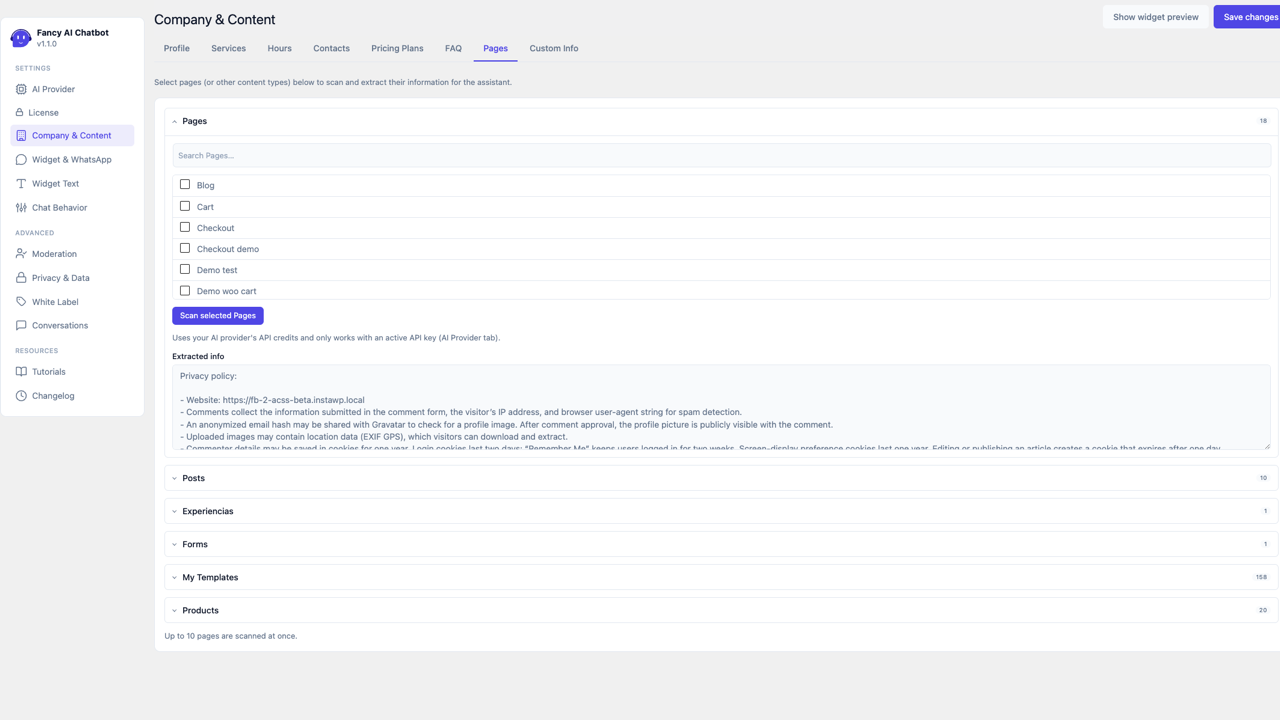
Scans existing content on your site for information to add to the assistant's context. Content is organized into one collapsible card per content type — Pages, Posts, and each custom post type your theme/plugins register (only the first card starts open) — so a site with many content types stays easy to scan through. Each card is independent:
- Its own picker, listing every published item of that type (with a search box once it holds more than 8 items).
- Its own Scan selected (type) button — the AI reads the selected items' content and condenses the most relevant information into that same card's own box below. Up to 10 items are scanned at once per card. If the box already has content, scanning asks for confirmation before replacing it.
- Its own Extracted info box showing the result — kept separate per type, so scanning one type never overwrites what was already extracted from another.
Scanning uses your own AI provider's API credits and only works with an active API key (set on the AI Provider tab) — each card's Scan button reports the exact cost of that call once it completes (e.g. "Scanned — cost: $0.0042").
Custom Info
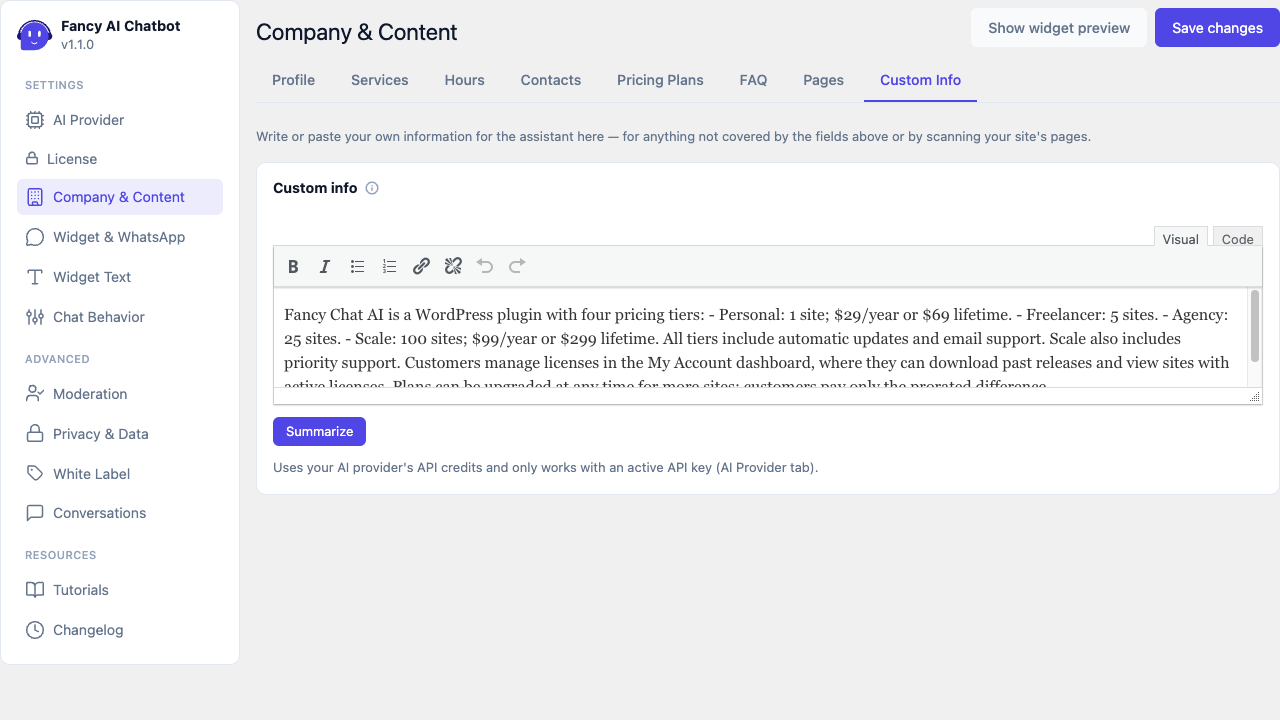
A rich-text box for writing or pasting your own information by hand — for anything not covered by the fields above or by scanning your site's pages. If you paste in a large amount of text, click Summarize to have the AI condense it down to the key points, keeping the information sent with every conversation small (and cheap) without losing what matters. Like scanning, this uses your own AI provider's API credits and only works with an active API key — the Summarize button reports the exact cost once it completes.
Both this field and every "Extracted info" box on the Pages tab are sent to the assistant as plain text alongside the other Company & Content fields — formatting (bold, lists, links) in Custom Info is for your own editing convenience and isn't seen by the AI.