Moderation
Three sub-tabs: Blocking, Manipulation attempt replies, and Blocked Conversations.
How detection works (before it gets here)
Two layers, both free (no extra AI cost):
- Pattern heuristic — detects obvious manipulation attempts ("ignore your instructions", "you are now...", "reveal your system prompt", "jailbreak mode", etc.) in English, Spanish, Portuguese, French, and German, before even calling the AI.
- The model's own self-flagging — when the visitor writes in any other language the heuristic doesn't cover, the model itself flags the attempt (invisible to the visitor) within the same reply that's already being generated, at no extra cost.
Off-topic questions never count toward strikes — only actual attempts to manipulate the assistant do. A curious visitor asking something random doesn't risk getting blocked.
Blocked Conversations
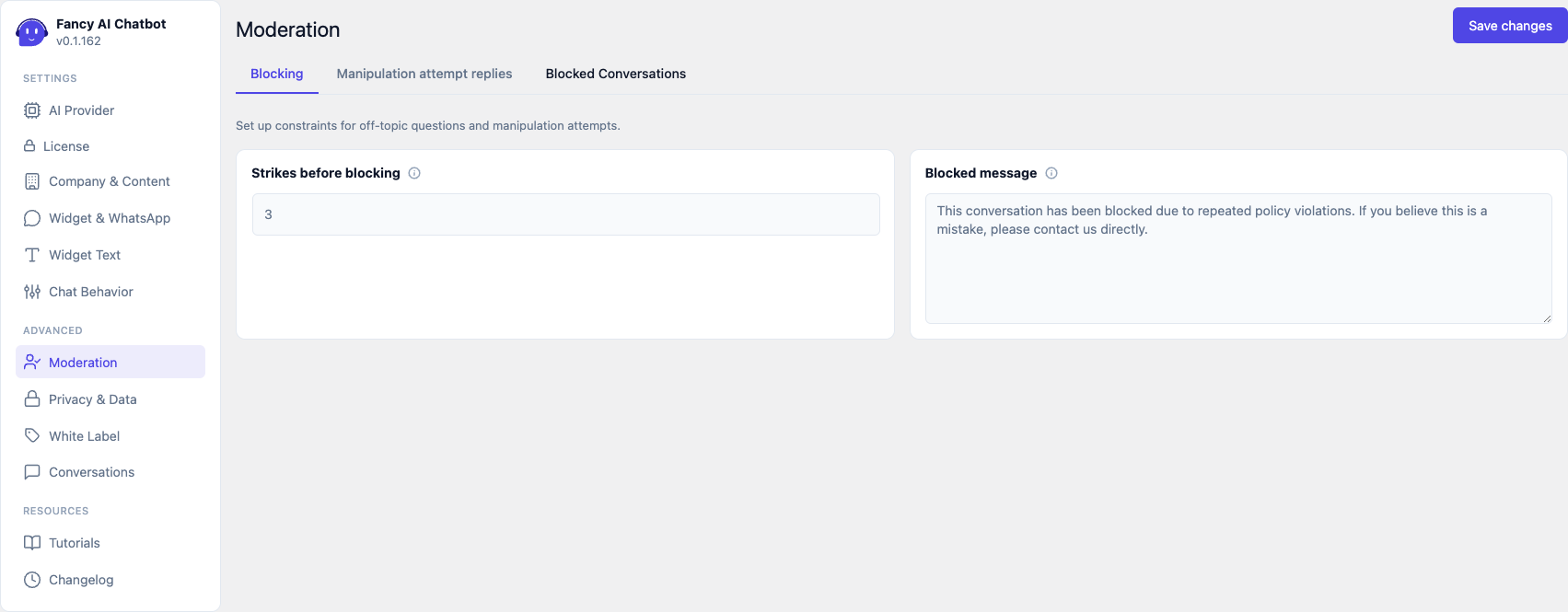
- Strikes before blocking — number of attempts before the conversation is blocked (default 3, range 1–20).
- Blocked message — what the visitor sees once blocked. Contacts and the WhatsApp number are automatically appended at the end.
- The block expires on its own, after the same time configured as "Conversation timeout" (Chat Behavior), or sooner if unblocked by hand.
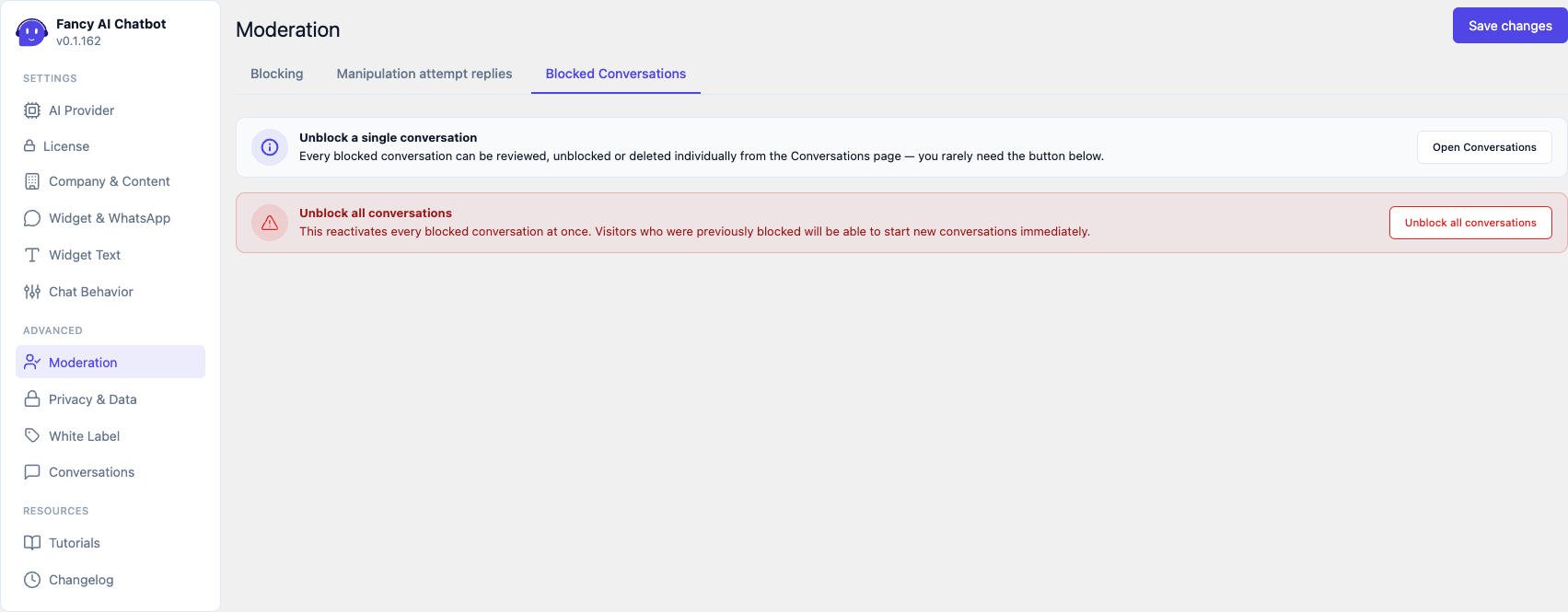
- Unblock a single conversation — to unblock/delete one specific conversation, this is done from the Conversations screen (see Conversations), not from here.
- Unblock all conversations — a general-purpose button for widespread false positives (for example, if the strikes threshold was set too low). Asks for confirmation before running.
Manipulation attempt replies
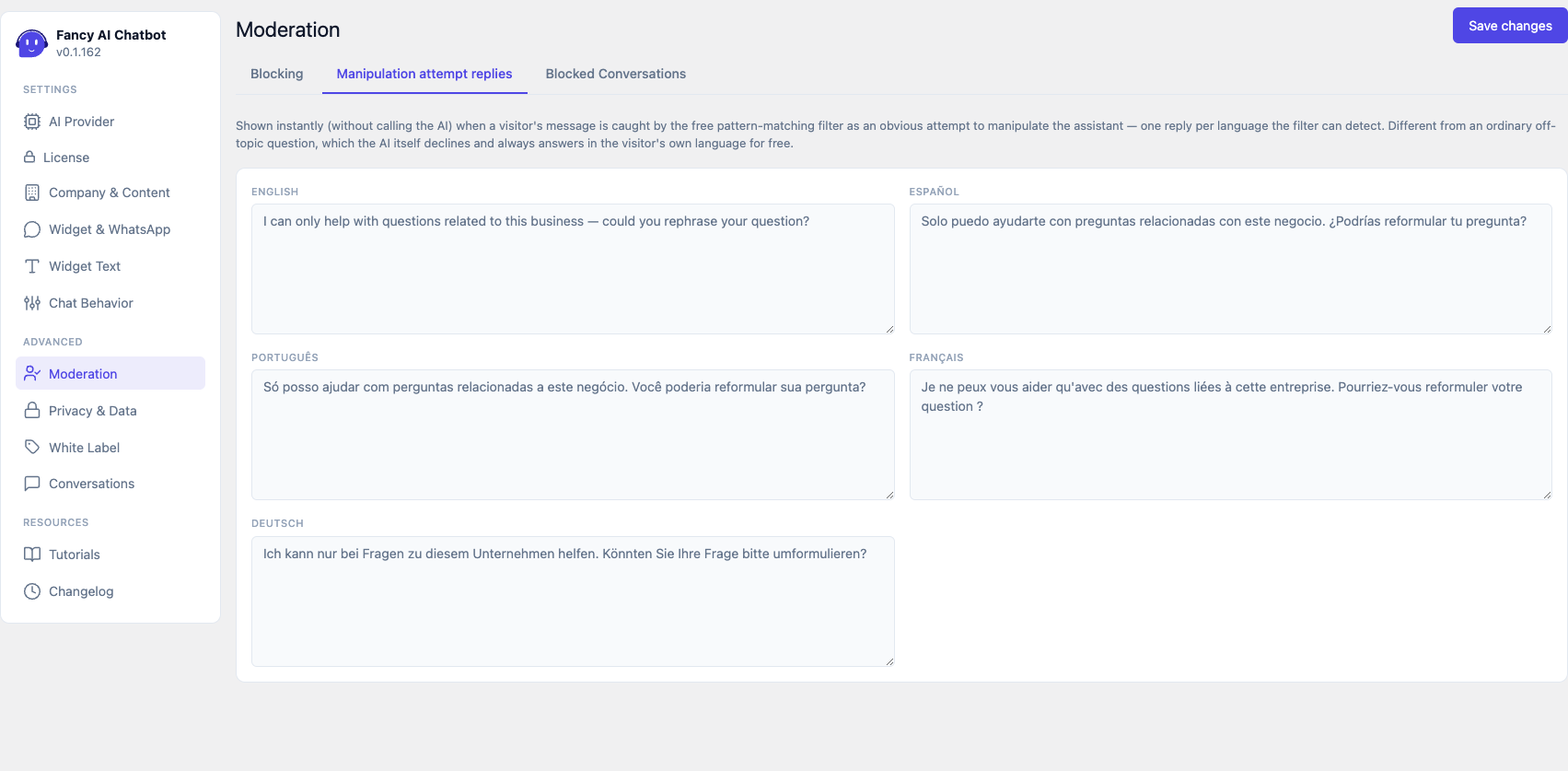
One text field per language (of the five the heuristic covers) — the instant reply the visitor sees when their message is detected as an obvious manipulation attempt in that language. Editable to adjust tone/wording without touching code.
Different from the blocked message: this one is shown at the moment of the attempt (conversation stays active), the blocked message is shown only after the strikes threshold is exceeded.