Widget Text
All the fixed text the widget shows on its own (buttons, field labels, error messages) — not the dynamic content the AI generates. Translate these fields if your visitors speak a language other than the one the defaults are in (English). Leaving a field empty restores its default value.
Four sub-tabs: Pre-chat Form (split into Form fields / Buttons & messages), Chat Window, Accessibility, WhatsApp.
Pre-chat Form — Form fields
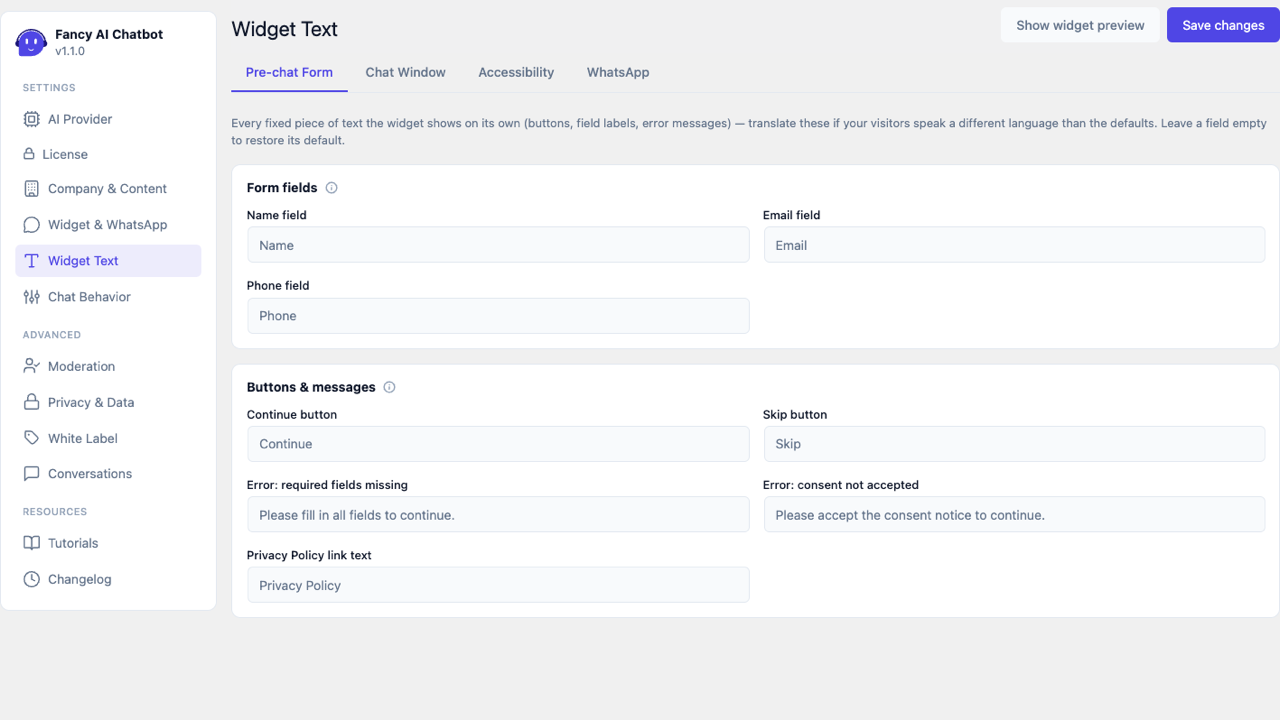
Labels for the name/email/phone fields of the form shown before the chat (see Privacy & Data for when this form is shown).
Pre-chat Form — Buttons & messages
- Continue button, Skip button (when applicable).
- Error message when required fields are missing.
- Error message for consent not accepted.
- Text of the link to the Privacy Policy (when the consent checkbox is enabled and a privacy page is configured).
Chat Window
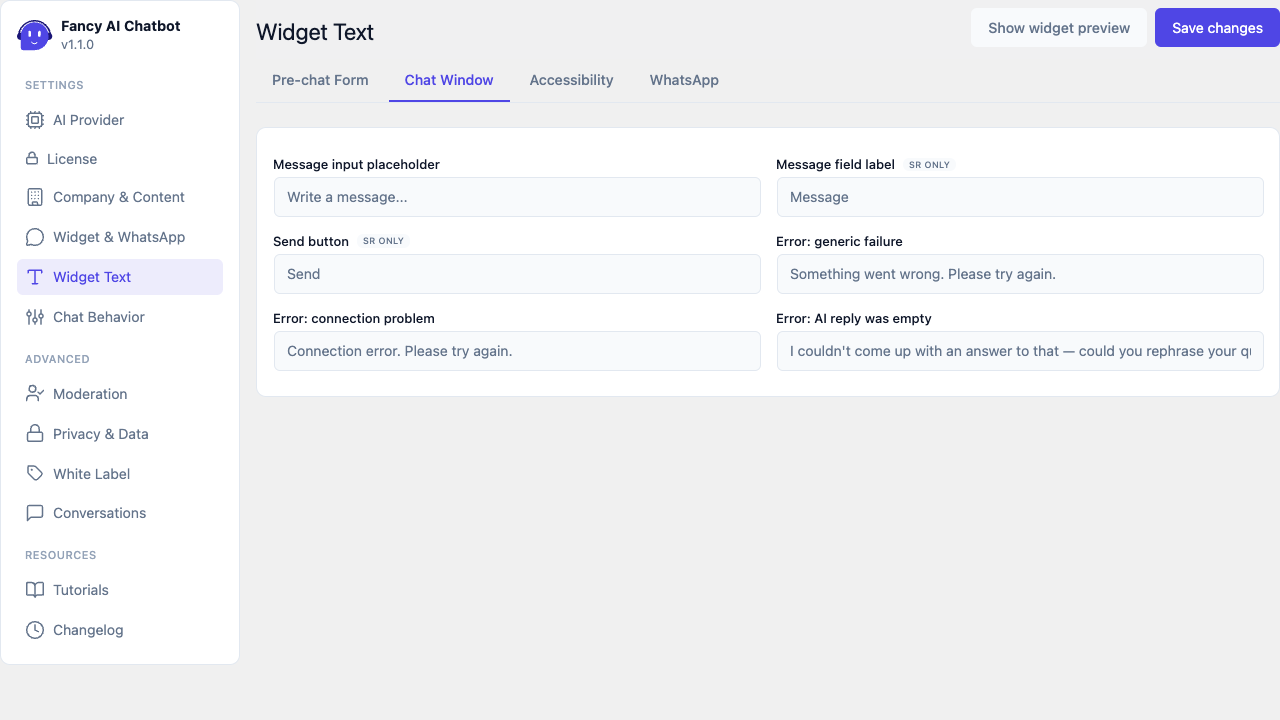
- Message field placeholder, field label, send button.
- Generic and connection error messages.
- Message shown on the rare occasion the AI returns an empty reply — so the widget says something instead of leaving the typing dots running with no explanation.
WhatsApp
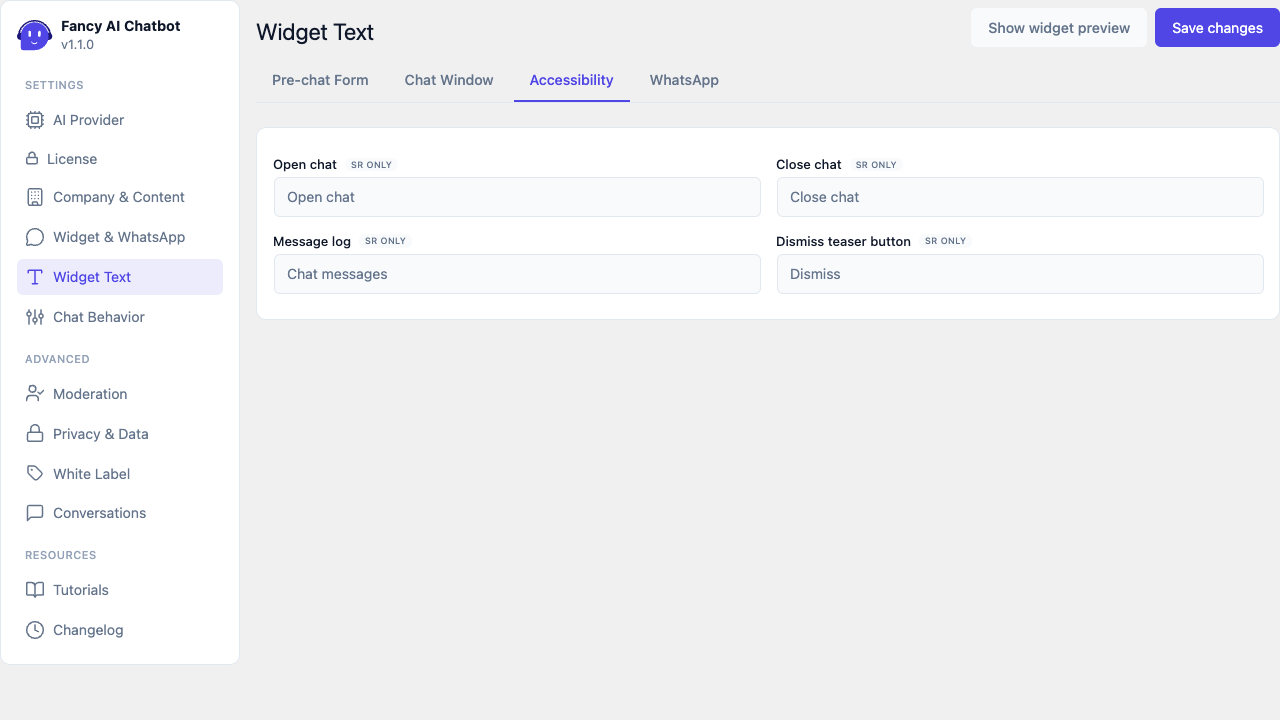
Text and aria-label of the WhatsApp button, prefix of the WhatsApp summary — it's its own sub-tab in the admin (not part of Chat Window).
Accessibility
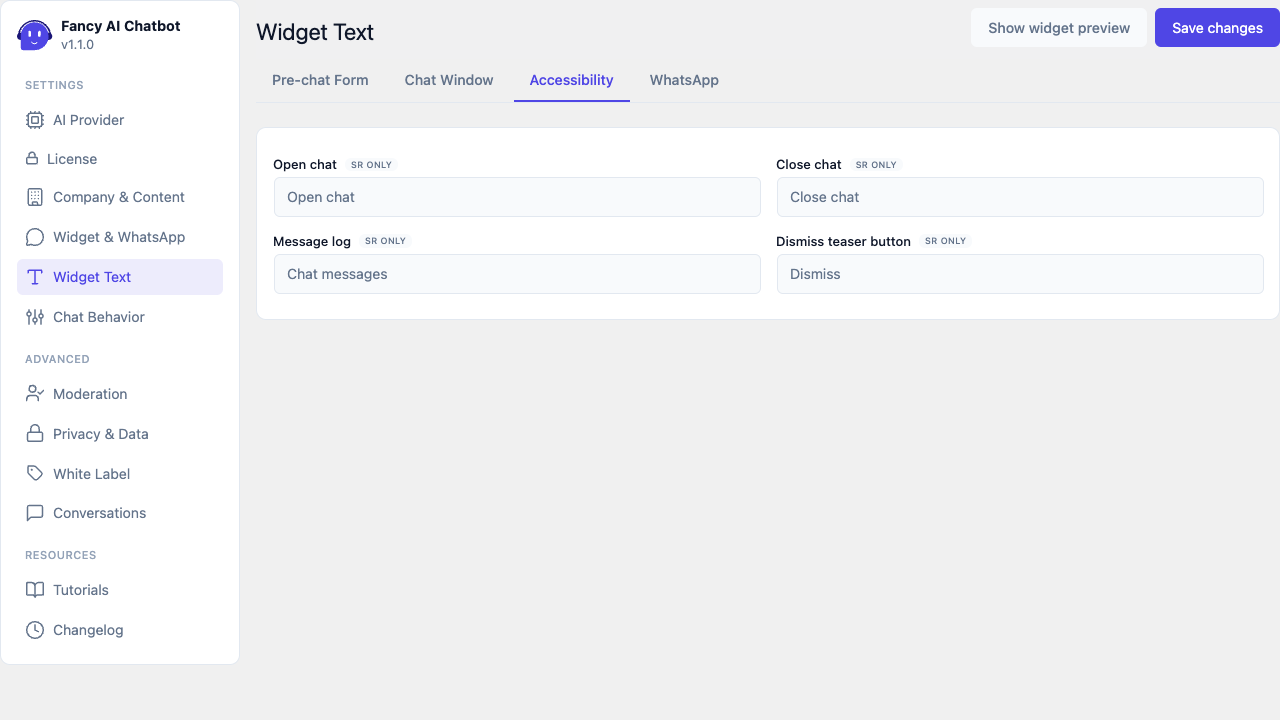
Text that isn't visible on screen, only announced by screen readers — marked with an "SR only" label next to the field so no time is wasted polishing its visual appearance (it has none):
- Label for the open/close chat button.
- Label for the message log (
role="log").