Widget & WhatsApp
Five sub-tabs: Identity, Suggested Questions, WhatsApp, Disclaimer, Visibility.
Identity
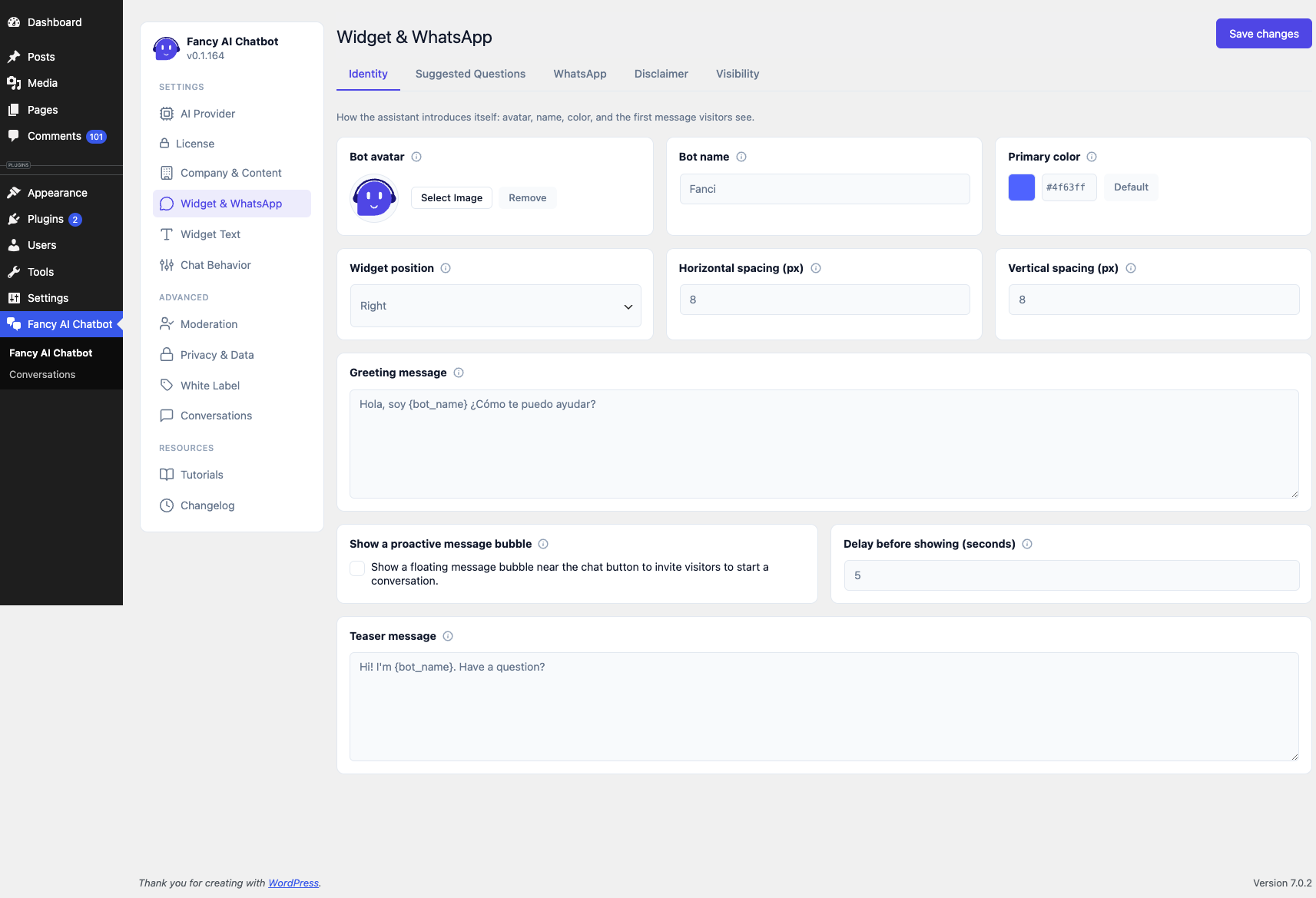
- Bot avatar — image via WordPress's native Media Library (square recommended). If none is set, a default avatar is used.
- Bot name — "Fanci" by default. Shown in the widget header and in the greeting.
- Primary color — a single color from which the whole widget palette is derived (including automatic text contrast).
- Widget position — which corner of the screen the chat button sits in: Right (default) or Left.
- Horizontal/Vertical spacing (px) — distance from the selected side and from the bottom of the screen. Both default to 8px, matching the original fixed position.
- Greeting message — message shown before the visitor's first
message. Supports the
{bot_name}token, which is automatically replaced with the configured name — if you change the bot's name later, the greeting updates itself, with no need to edit the text again. - Show a proactive message bubble — optional, off by default. Shows
a small floating message near the chat button before the visitor
opens the widget, with its own delay (seconds) and teaser
message (also supports
{bot_name}) — distinct from the greeting message above, which only appears after opening. Dismissing it (its own × button, or by opening the chat some other way) hides it for the rest of that visitor's session; it appears again on their next new session.
Suggested Questions
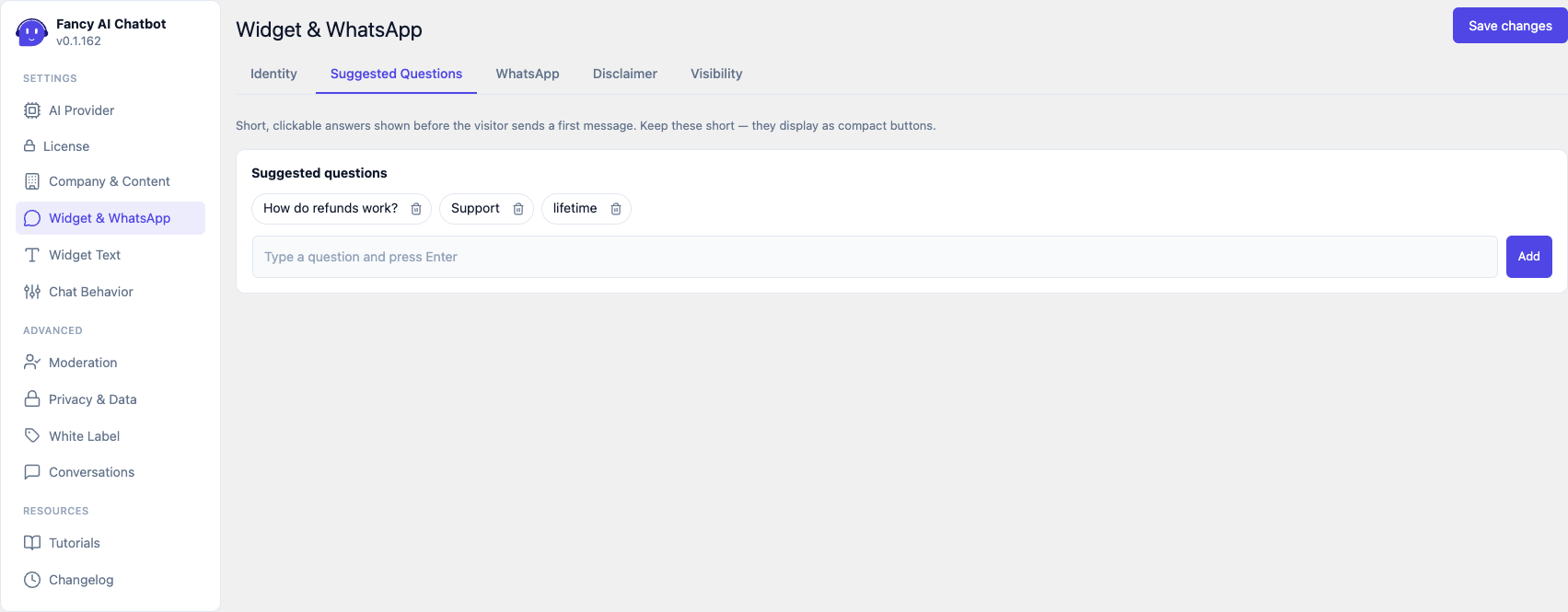
Clickable chips shown next to the greeting, before the first message. Deliberately separate from the FAQ (Company & Content) — FAQ answers tend to be longer and don't fit well as the text of a compact button.
WhatsApp
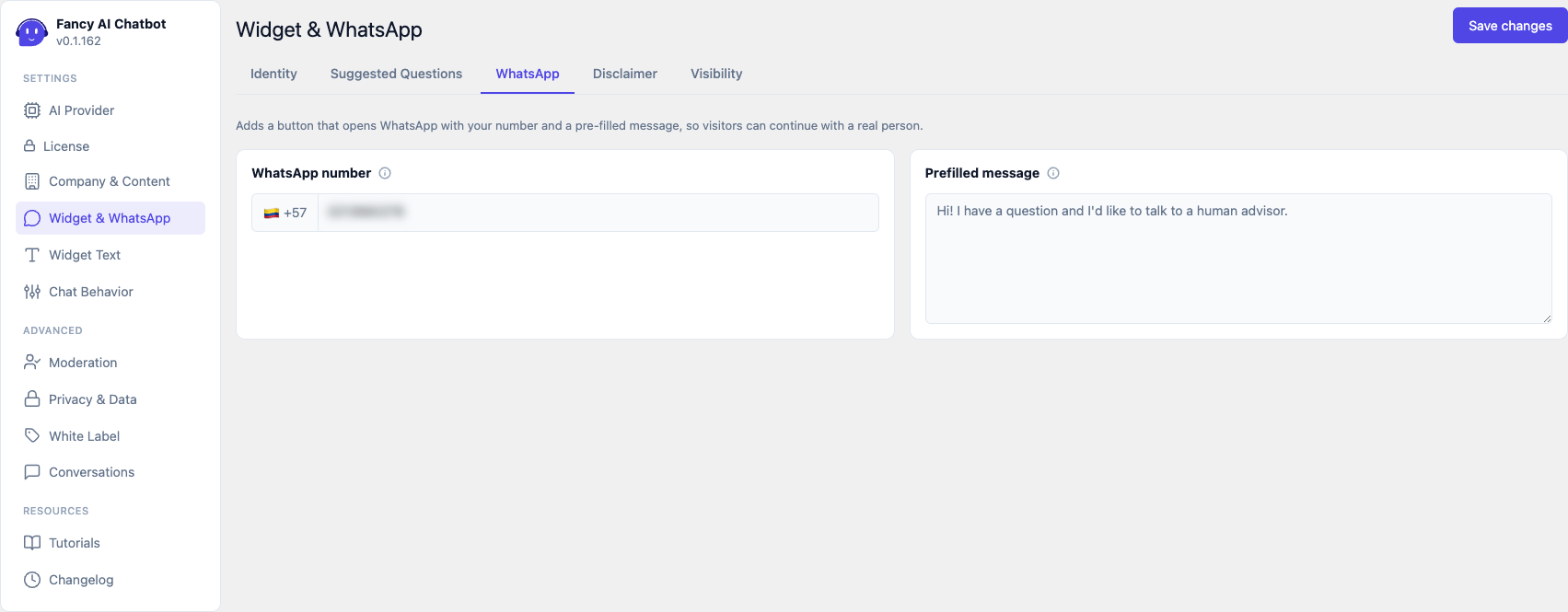
- WhatsApp number — country code + number, digits only (no
+, spaces, or dashes). Empty = the WhatsApp button isn't shown. - Prefilled message — message preloaded when the visitor taps the button. If a conversation already exists, the plugin also generates an AI summary of what was discussed and prepends it to the message, so the human agent doesn't have to start from scratch.
Disclaimer
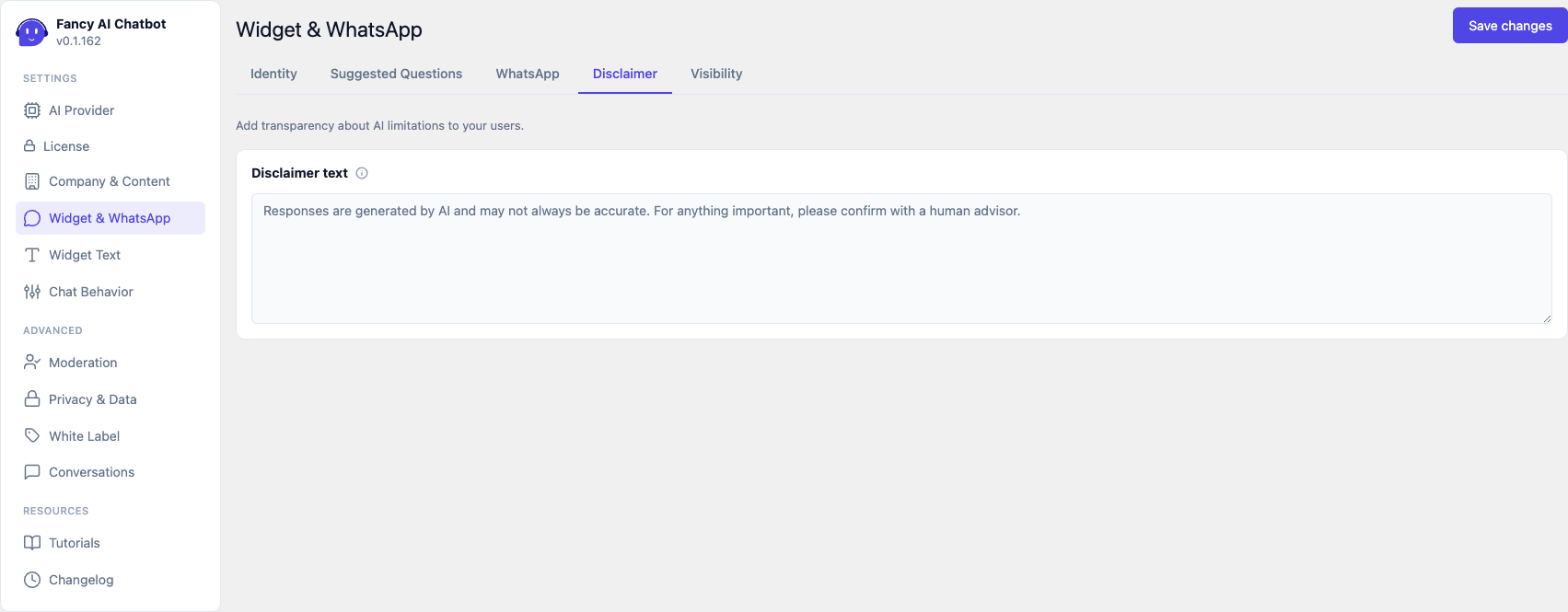
Transparency text about the AI's limitations, shown as a discreet note under the widget's message field. It can be left empty, though that's not recommended.
Visibility
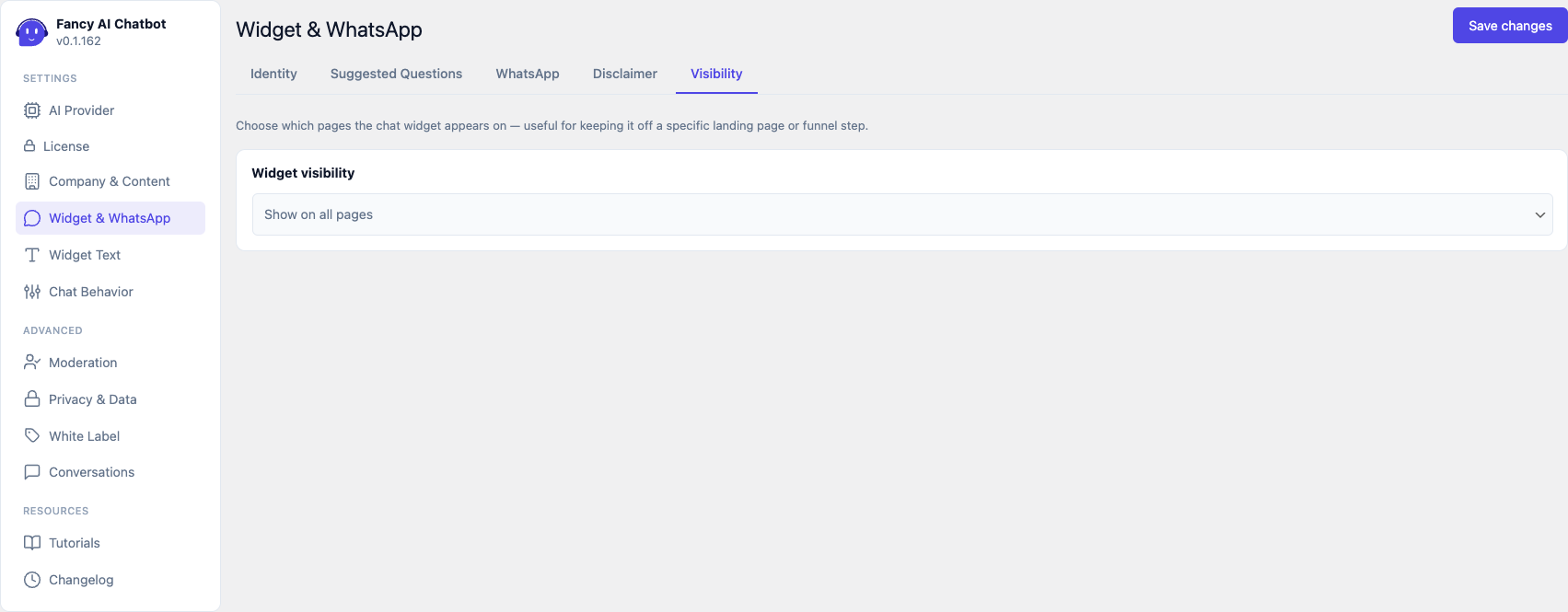
Controls which pages the widget appears on:
- Show on all pages (default).
- Hide on selected pages — pick a list and the widget is hidden only there.
- Show only on selected pages — the reverse: it only appears on the pages you pick.
Useful for not interfering with a landing page or a step in a
conversion funnel. The page selector is a native <select multiple> —
Ctrl (Cmd on Mac) to pick several.
The widget is never shown inside a page builder's editor (Bricks, Etch) — both the editing panel and the canvas iframe are detected automatically, regardless of this setting.